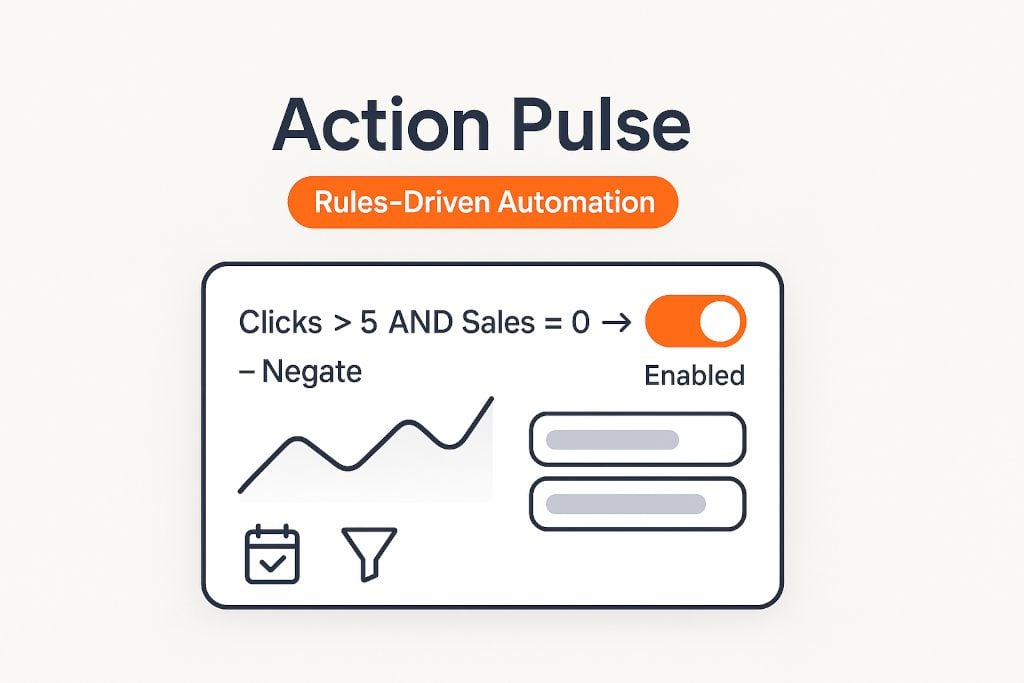
Action Pulse: Negating Search Terms lets you define clear criteria to automatically add negative keywords when a query isn’t pulling its weight. Use our proven SOPs (e.g., “No sales & ≥10 clicks in 30 days”) or craft your own formulas per product category. Choose Negative Exact or Negative Phrase, apply at the Campaign or Ad Group level, and protect brand terms with allowlists.
Build criteria per category or SKU. Example: No sales & ≥ 10 clicks (30d) → add Negative Exact.
Choose Campaign vs. Ad Group and Exact vs. Phrase. Exact for precision; Phrase for broader suppression.
Protect brand/competitor allowlists, new keywords, and seasonal queries with exceptions and minimum data thresholds.
Choose campaigns / ad groups and, optionally, limit to specific products or match types.
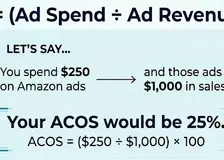
Pick lookback (e.g., 30 days) and minimum data (e.g., ≥ 10 clicks, 0 sales; or ACoS ≥ target +X%).
Examples: No sales & clicks ≥ N; ACoS ≥ target + 25%; CVR ≤ 1/2 of median; CTR ≤ 0.2%.
Add Negative Exact for surgical blocks, or Negative Phrase to suppress families of poor queries. Apply at Campaign or Ad Group.
Protect brand terms, misspellings, high LTV queries, and seasonal promos with an allowlist. Exclude newly harvested terms.
Review the candidate list, detect conflicts (e.g., existing positives), then activate to apply and log changes.
Design negation logic with context and guardrails so you cut waste without blocking growth.
Clicks, sales, spend, ACoS, ROAS, CTR, CVR, CPC, search term text filters (contains/regex), and lookback windows.
Negative Exact (surgical) vs. Negative Phrase (broad). Show sample terms impacted before committing.
Campaign or Ad Group negatives. Optionally mirror to sibling campaigns to prevent re‑spend.
Allowlists (brand/competitor), min data, freshness filters (exclude last 7 days), and review queue for borderline items.
Tune thresholds to your category and margins. Start conservative; widen only if waste persists.
Every negative added is logged with its triggering rule and location. Quickly remove a negative or snooze the rule that added it. Export to CSV for weekly governance.
Filter by campaign, ad group, search term, rule name, or date range.
View daily historical data for Search Term before negation.
Use Negative Exact first. Promote to Phrase only when a concept is holistically irrelevant.
Protect brand terms, misspellings, and strategic competitor queries from accidental negation.
Require clicks/sales thresholds to avoid reacting to noise. Exclude the last 7 days to mitigate attribution lag.
When terms are promoted, auto‑negate in source to prevent double spend but only after they prove out.
Scan the log for false positives, seasonality shifts, and new language patterns (e.g., holiday queries).
Different categories convert at different cadences. Write down per‑category criteria and keep them versioned.
Recommended 16:9 aspect. Add captions to show why each negation was triggered.