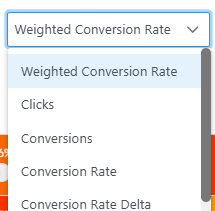
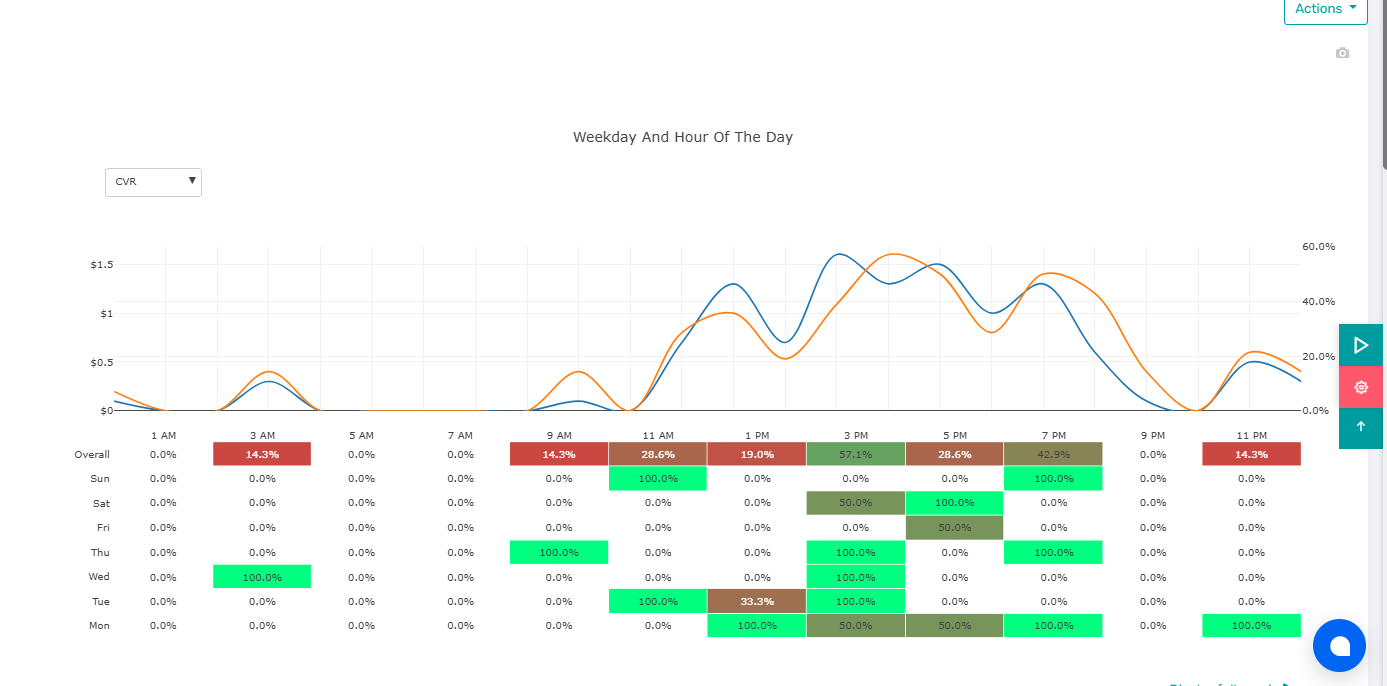
With Dayparting, AiHello automatically pauses and resumes campaigns on a schedule informed by your performance data. The schedule respects the product’s marketplace time inside each campaign, so your on/off windows line up with when your audience is actually active. Use the Dayparting UI to compare conversion rate, weighted conversion rate, CTR, sales, and total clicks by hour and weekday then lock in the hours that work and mute the rest.

Dayparting helps you allocate spend to the hours and weekdays that convert. AiHello reads your historical performance and gives you an at‑a‑glance view of when to run. Flip the switch and we’ll pause campaigns during low‑value windows and resume them automatically during peak hours.
Stop serving when conversion rate or weighted conversion rate is weak so budget flows to high‑probability hours.
Schedules follow the product’s marketplace time so your off/on windows align with buyer behavior in that region.
Once saved, your schedule runs automatically with no manual toggling required.
Choose where the schedule applies. You can manage dayparting per campaign or group related products.
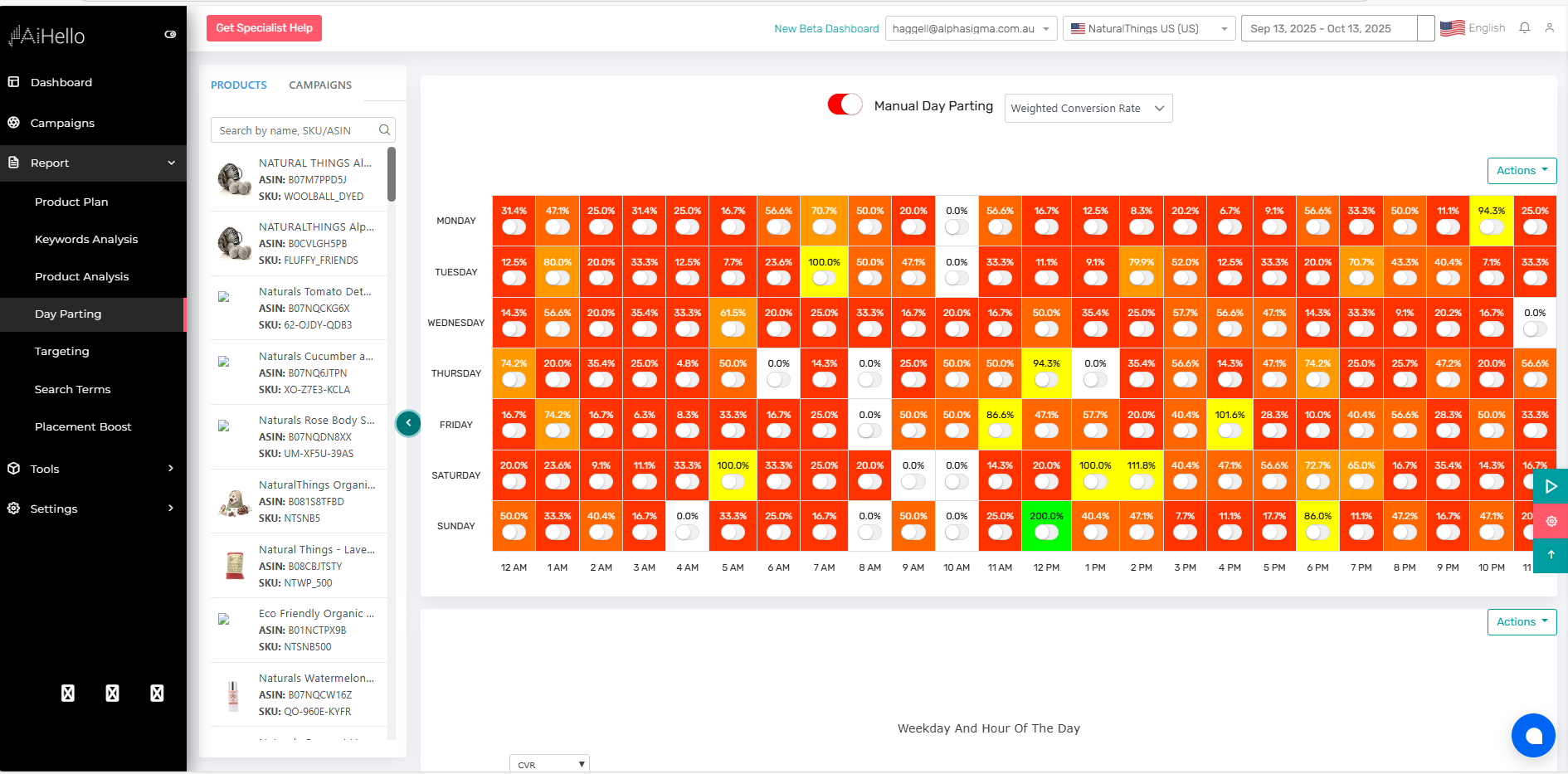
Use the heatmap to compare conversion rate, weighted conversion rate, CTR, and sales by hour for each weekday.
Click‑drag to mark OFF windows (e.g., Mon–Fri 01:00–06:00). Everything else remains ON. You can clone schedules across campaigns.
AiHello will automatically pause/resume according to your plan. Revisit as the data shifts, seasonality matters.
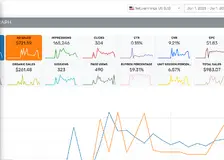
The dashboard summarizes the KPIs that matter for scheduling decisions. “Weighted conversion rate” factors in volume so high‑traffic hours get proportionate influence.
Orders ÷ clicks: plain and simple. Identify hours with reliable purchase intent.
Conversion rate adjusted by traffic weight to avoid over‑valuing low‑volume spikes.
Click‑through rate highlights hours where interest is high even if purchase is delayed.
Total sales and clicks by hour and weekday help you balance volume with efficiency.


Replace the heatmap with your actual Dayparting chart screenshot.
Lean on weighted conversion rate to avoid over‑reacting to tiny sample sizes.
Consumer behavior shifts and refresh schedules at least once a month or around seasonality.
Avoid overly fragmented schedules. Favor clear ON blocks with short OFF windows.

Recommended aspect ratio 16:9. Add captions under screenshots to highlight key decisions.