

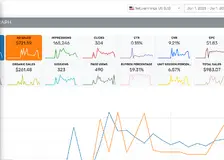
AutoPilot records every bid change, keyword trigger, and budget adjustment in a fully visible activity log.1
Risks & Safeguards2
If left unchecked, automated systems can overreact, cutting bids too deeply, increasing them too aggressively, or misreading short-term fluctuations as long-term trends. Seasonal spikes, sudden competition, or temporary conversion dips can all trigger unnecessary adjustments unless proper safeguards are in place.
That’s why every strong automation setup needs clearly defined guardrails. These prevent runaway behaviour and ensure the system stays aligned with your strategy rather than chasing noise.
Most sellers protect themselves using a few essential controls:
- Minimum and maximum bid limits These act as hard safety rails. They prevent your bids from dropping so low that you lose visibility or rising so high that costs explode.
- Daily spend caps Keeps your campaigns from burning through the budget during unexpected cost surges, especially during peak days or competitive spikes.
- Observation periods Automation waits for enough data before making major changes. This avoids reacting prematurely to a single bad day or a single high-cost click.
- Defined ACOS thresholds per product Each product behaves differently. Clear ACOS limits ensure the system knows when to stay aggressive and when to stay conservative.
On the other hand of the spectrum you have the Min AutoPilot Bid.3
This tells the algorithm to never reduce the bid below the specified bid. This is specially useful for branded keywords for which you don’t care about ACOS and have set those keywords for brand protection.
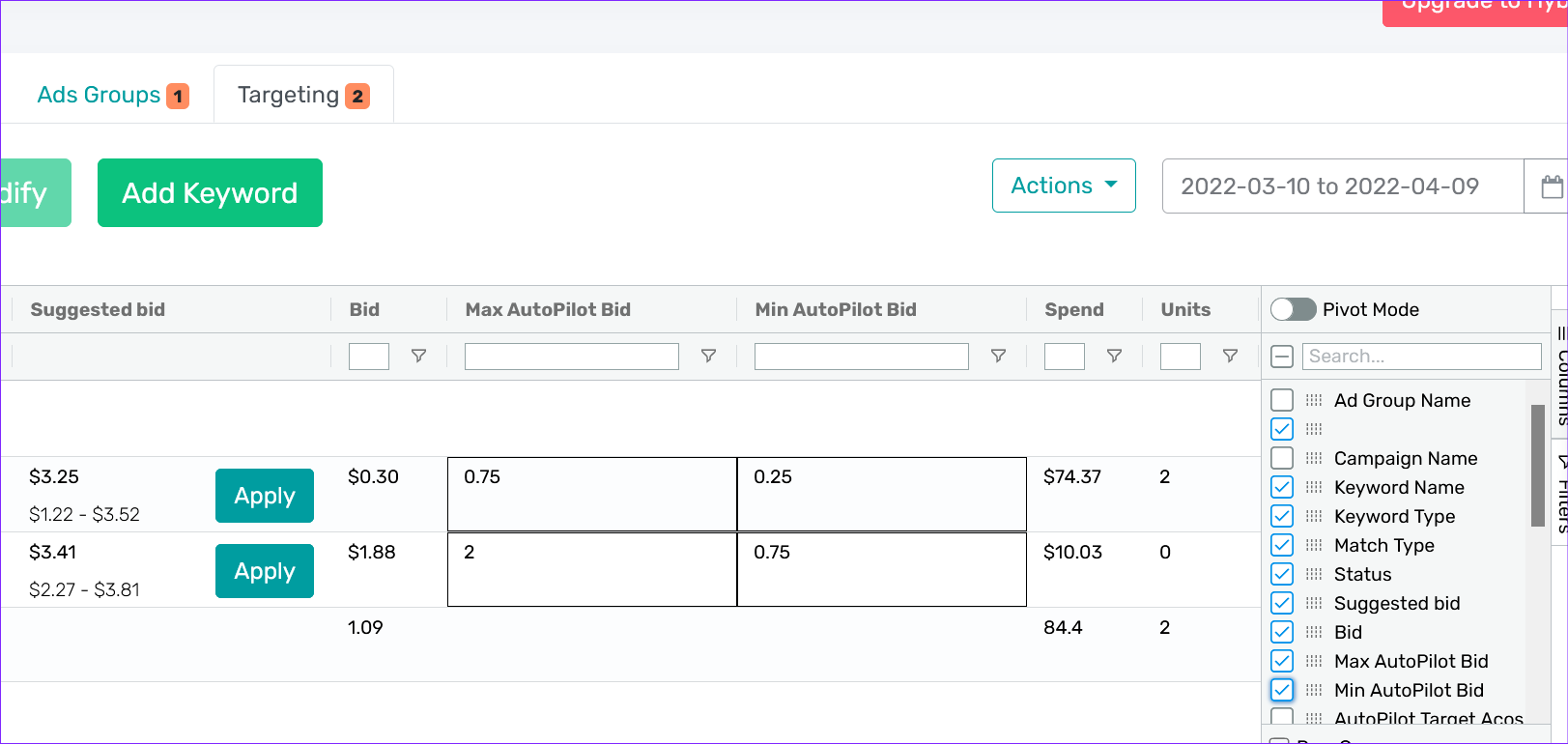
Setting a Min AutoPilot bid will prevent the system from optimizing and reducing the bids for the keyword below the specified set value.
Control Automation With Guardrails, Not Blind Decisions1
One of the biggest misconceptions about PPC automation is that it takes away control. In reality, good automation systems do the opposite: they formalize control by turning your preferences into rules, limits, and boundaries that remain consistent every day.
AutoPilot works through guardrails you define:
- • ACOS targets per SKU or campaign
- • Minimum and maximum bid limits
- • Daily budget caps
- • Rules for keyword promotions and negatives
- • Placement multipliers with upper ceilings
- • Inventory-based throttles
- • Override options for special periods
- • Full logs of every action taken
In manual PPC, you think you have full control, but you’re actually operating through incomplete data and inconsistent decision-making. You might lower a bid more aggressively when you’re stressed, push budgets too high during peak hours, or forget to add negatives during a busy week.
Automation removes emotional decision-making and replaces it with predictable, rules-based logic.
And you can override anything. Want to stop automation for a specific ASIN? You can. Want to set stricter limits for a high-risk campaign? Done. Want a campaign to run manually during a sale? Just toggle it.
Automation doesn’t remove control, it enforces it consistently.
Daily schedule & lookback windows4
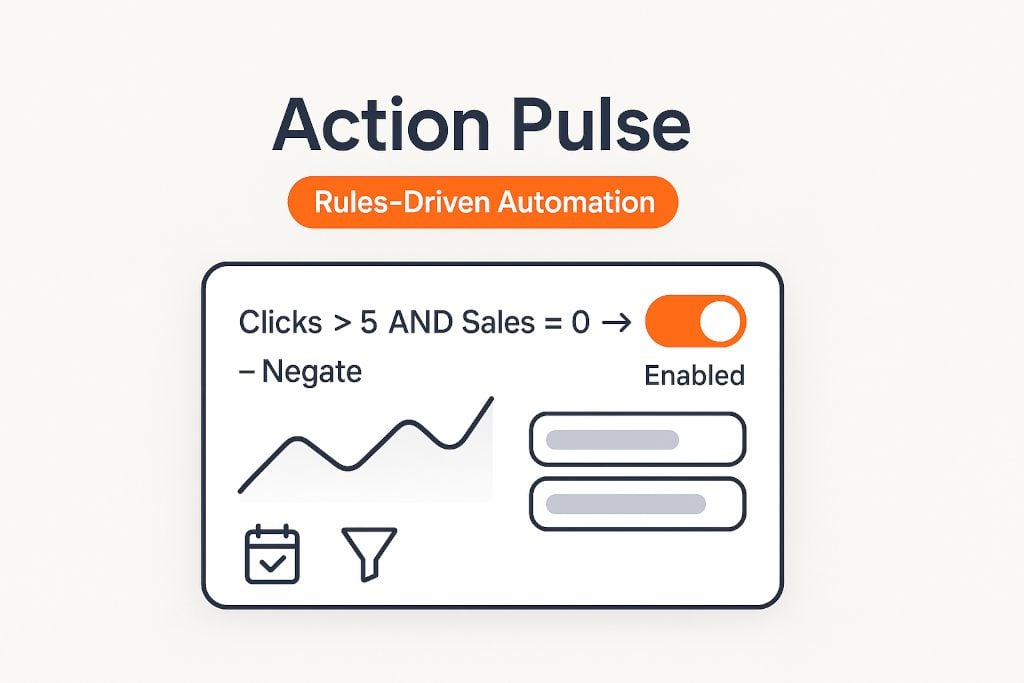
Action Pulse runs every day, checking your rules against the last N days of data. Pick a window that matches your traffic:
- High-traffic SKUs: 7 days is usually enough.
- Medium traffic: 14 days is safer.
- Slow movers / seasonal: 21–30 days to avoid false negatives.
QA & verification before you go live
- Apply the filter first and review the candidate terms.
- Spot-check outliers (new launches, high AOV items, seasonal spikes).
- Pilot on a subset (one portfolio or brand) for 3–7 days, then roll out.
- Log changes (enable change tracking) so you can rollback or tune thresholds confidently.
Best practices (don’t skip these)
- Set thresholds by price & CVR. A $15 add-on and a $120 hero SKU don’t deserve the same “X clicks → negate” line.
- Avoid rule collisions. If AutoPilot is handling negatives, make sure your Action Pulse rules complement not fight it.
- Seasonality matters. Weekends and promos distort CVR. Use longer lookbacks during peaks; shorten once the dust settles.
- Document intent. Name rules precisely (“ST | clicks>15 & sales=0 | negate”) so teammates know the why, not just the what.